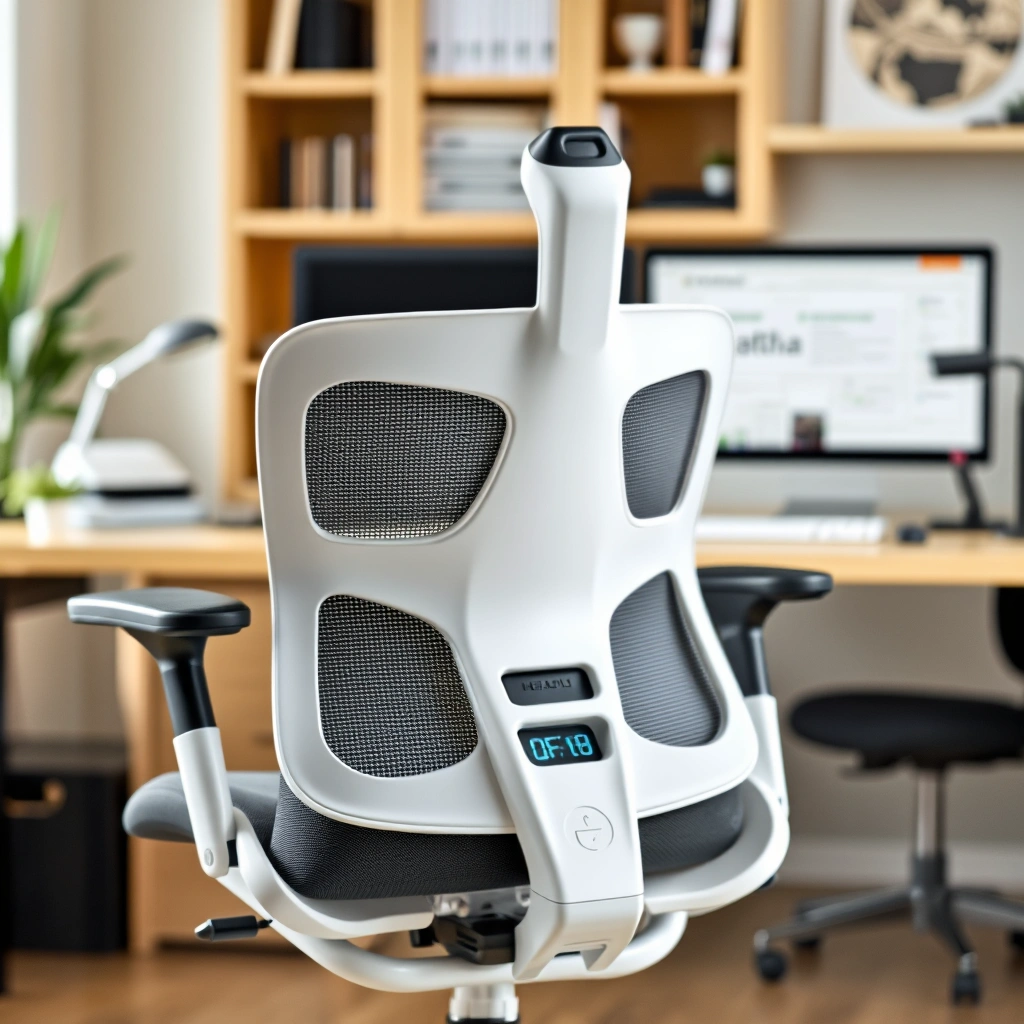
Creating the perfect ergonomic home office setup doesn’t have to be daunting. With a few thoughtful adjustments and additions, you’ll transform your workspace into a haven of comfort and productivity. Dive into these 25 tips to make your home office work for you!
1. Choose the Right Chair
Invest in a chair that supports your back. Look for adjustable height and lumbar support. Soft, breathable fabric like mesh can keep you cool during long hours.

2. Opt for a Standing Desk
Switch things up with a standing desk. Adjustable heights let you alternate between sitting and standing. A sleek wooden finish adds warmth to your space.

3. Position Your Monitor Correctly
Keep your monitor at eye level to prevent neck strain. Use a monitor stand if necessary. Trust me, your neck will thank you!

4. Use an Ergonomic Keyboard
Try an ergonomic keyboard to reduce wrist strain. Look for a split design with a gentle curve. It’s the kind of comfort you didn’t know you needed.

5. Install Proper Lighting
Natural light is great, but add task lighting for darker hours. A stylish desk lamp in brushed nickel can add both function and flair.

6. Declutter Your Desk
Keep only essentials on your desk. Use organizers to keep things tidy. A clean desk equals a clear mind, trust me on this.

7. Add a Splash of Color
Paint a wall or add colorful accessories. A soft blue or green can be calming and boost creativity.

8. Incorporate Greenery
Bring in some plants. A small potted fern or a snake plant can purify the air and add vitality.

9. Use a Footrest
A footrest can relieve lower back pressure. Opt for one with adjustable height and a non-slip surface.

10. Organize Cables
Tame those cables with clips or a cable management box. It’s a simple fix that makes a big difference.

11. Get a Comfortable Mouse
Choose a mouse that fits your hand comfortably. A wireless, ergonomic design can reduce wrist strain.

12. Position Your Desk Near Windows
Place your desk near a window for natural light. It’ll boost your mood and productivity.

13. Use Noise-Canceling Headphones
Block out distractions with noise-canceling headphones. They’ll help you focus in a busy household.

14. Add Personal Touches
Include personal items like photos or art. These touches make your space feel uniquely yours.

15. Invest in a Quality Webcam
For virtual meetings, a good webcam is essential. Look for one with high resolution and clarity.

16. Keep a Water Bottle Handy
Stay hydrated by keeping a stylish water bottle on your desk. Choose one in stainless steel for durability.

17. Use a Desk Pad
A desk pad can protect your desk and provide a smooth surface for writing. Leather or felt adds a touch of elegance.

18. Implement a Filing System
Stay organized with a filing system. Use labeled folders to keep documents in check. It’s a lifesaver.

19. Set Up a Whiteboard or Corkboard
Track tasks and ideas with a whiteboard or corkboard. It’s a great way to visualize your goals.

20. Ensure Adequate Ventilation
Keep your workspace well-ventilated. An air purifier can help maintain fresh air quality.

21. Opt for Wireless Devices
Reduce clutter with wireless devices. A wireless keyboard and mouse can free up desk space.

22. Use a Laptop Stand
Elevate your laptop with a stand to improve posture. Aluminum stands are sturdy and sleek.

23. Practice the 20-20-20 Rule
Every 20 minutes, look at something 20 feet away for 20 seconds. It’s a game-changer for eye strain.

24. Include a Cozy Rug
Warm up your space with a cozy rug. A soft wool or cotton rug can add comfort underfoot.

25. Schedule Regular Breaks
Don’t forget to take breaks. Set a timer to remind you to stretch or walk around. Your body will appreciate it.

By following these ergonomic home office setup tips, you’re well on your way to creating a workspace that’s both comfortable and efficient. Remember, small changes can lead to big improvements in your workday. Happy working!